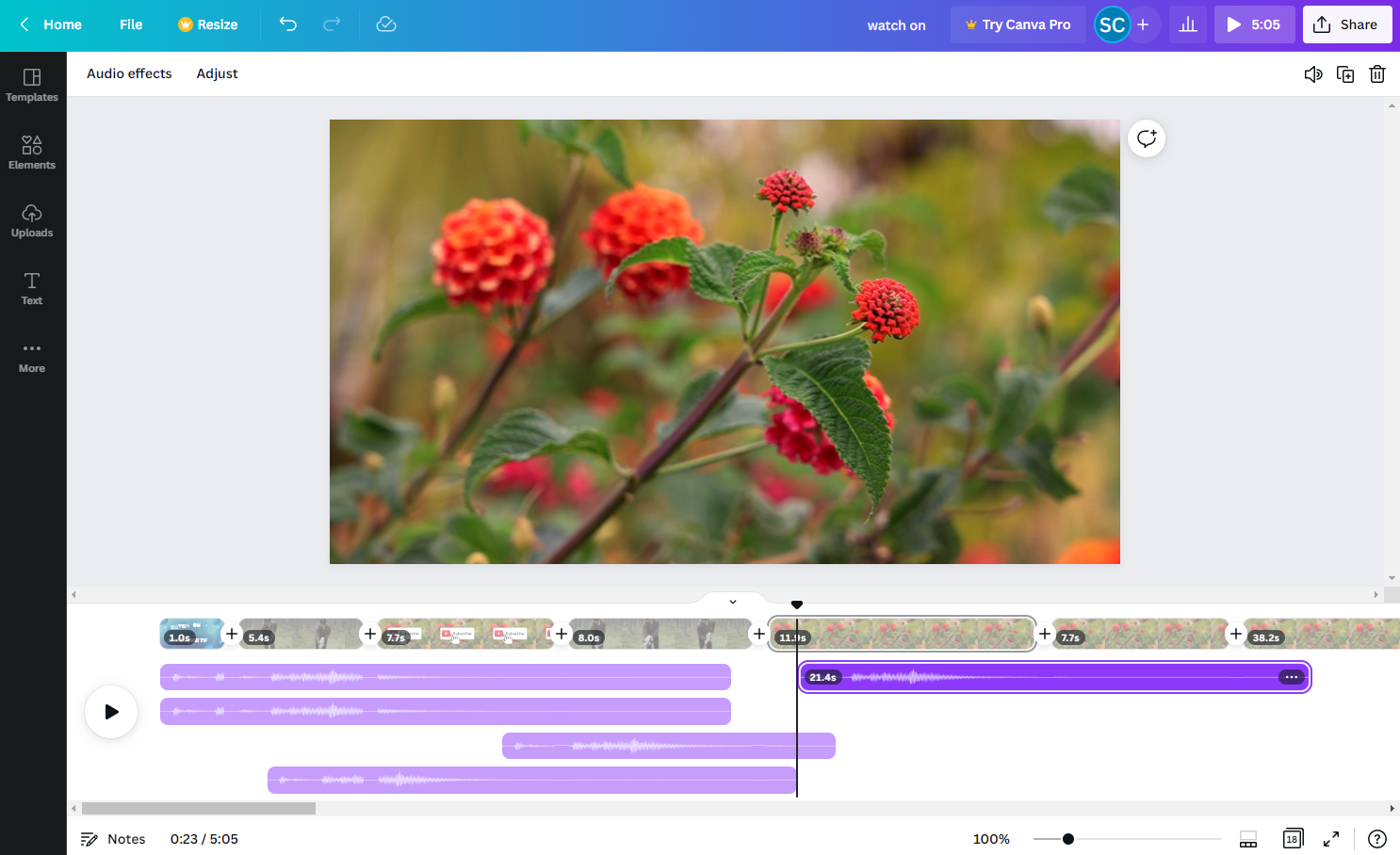
Canva Video excels as an accessible, fast tool for creating simple social media clips with a generous free tier. However, it lacks advanced editing features and struggles with performance on larger, more complex projects.
Critical Assessment
What Critics Praise
- Intuitive drag and drop interface
- Familiar PowerPoint‑like layout
- Huge royalty‑free image and video library
- Accessible via web and mobile devices
- Fast onboarding
- Free tier available
Points of Contention
- Advanced features locked behind paid subscription
- Premium assets difficult to locate and delete
- Limited voice‑over functionality
- Slow workflow on larger jobs
Professional Reviews
2 reviews from 2 criticsCanva Video offers an intuitive, PowerPoint-like interface with a large asset library, making it easy for beginners to create quick slideshow-style videos. However, advanced features are locked behind a paywall, premium content management is cumbersome, and voice-over capabilities are limited.